Getting started
Copilot is a team of AI agents for your PrestaShop store: it reads the store, tells you what deserves your attention, then prepares the fixes. Nothing is written to the store without your approval.
What you need
- A PrestaShop 1.7, 8 or 9 store.
- Access to the store’s back office, to install the module or create a key.
- An email address to create your account.
In four steps
- Create your account on the sign-up page, or from the mobile app. An email asks you to confirm your address.
- Connect your store. The easiest way is the Copilot module: you paste a key in the module, which creates the access to the store by itself; without the module, a Webservice key is enough.
- Read the first analysis. As soon as you connect, Copilot goes through the store and displays its findings, from the most serious to the lightest.
- Ask your first question, or ask for a change. Copilot prepares it, you approve it.
The free trial
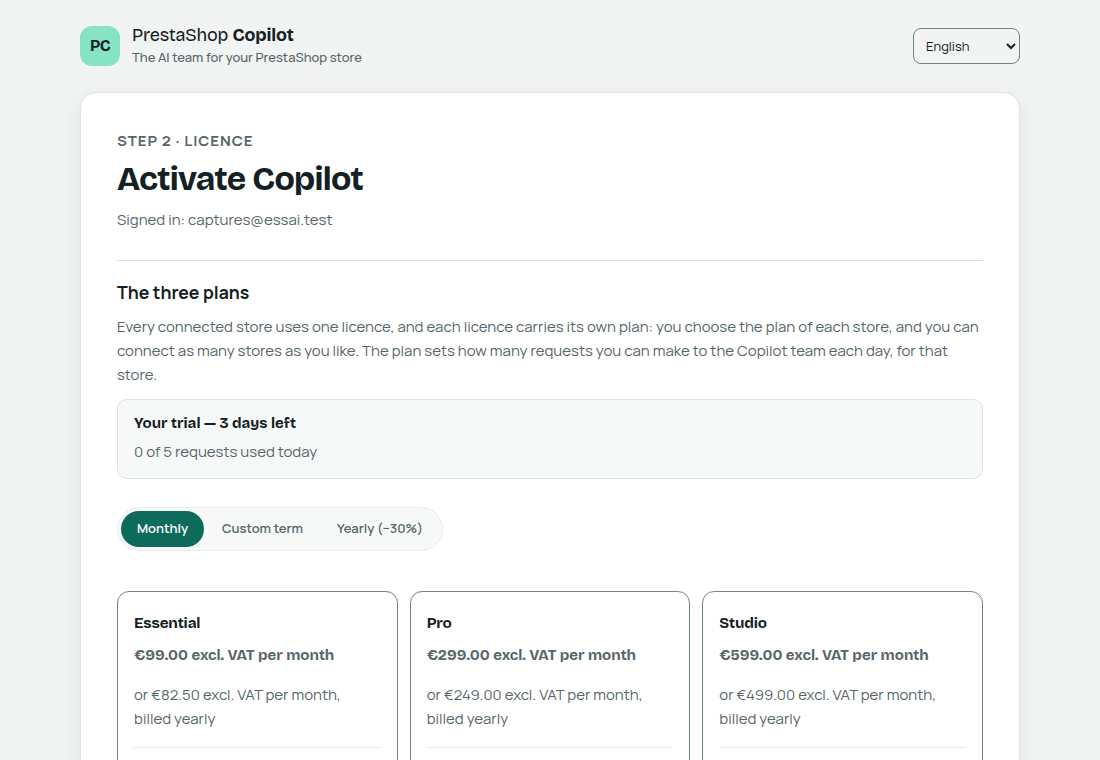
The trial lasts 3 days, with 20 requests per day, with no credit card. The 3 days start when you connect your shop, not when the account is created: with no shop connected, no agent answers and nothing is counted. At the end of the trial, your data, your conversations and your journal are kept: you only need to choose a plan to continue.
Where to use Copilot
- In your browser, in your space.
- In the PrestaShop back office, when the module is installed: Copilot opens in the module’s page.
- On your phone, with the mobile app.