Contacting support
A question, a billing issue, a technical problem: write to support. Every message opens a request (a ticket) that you can follow.
Writing to support
In the web app, open your account menu and choose Contact support; in the mobile app, the Contact support link is at the top of the screen. Choose a subject, write your message (at least 10 characters), send it. Never paste a password or a secret key.
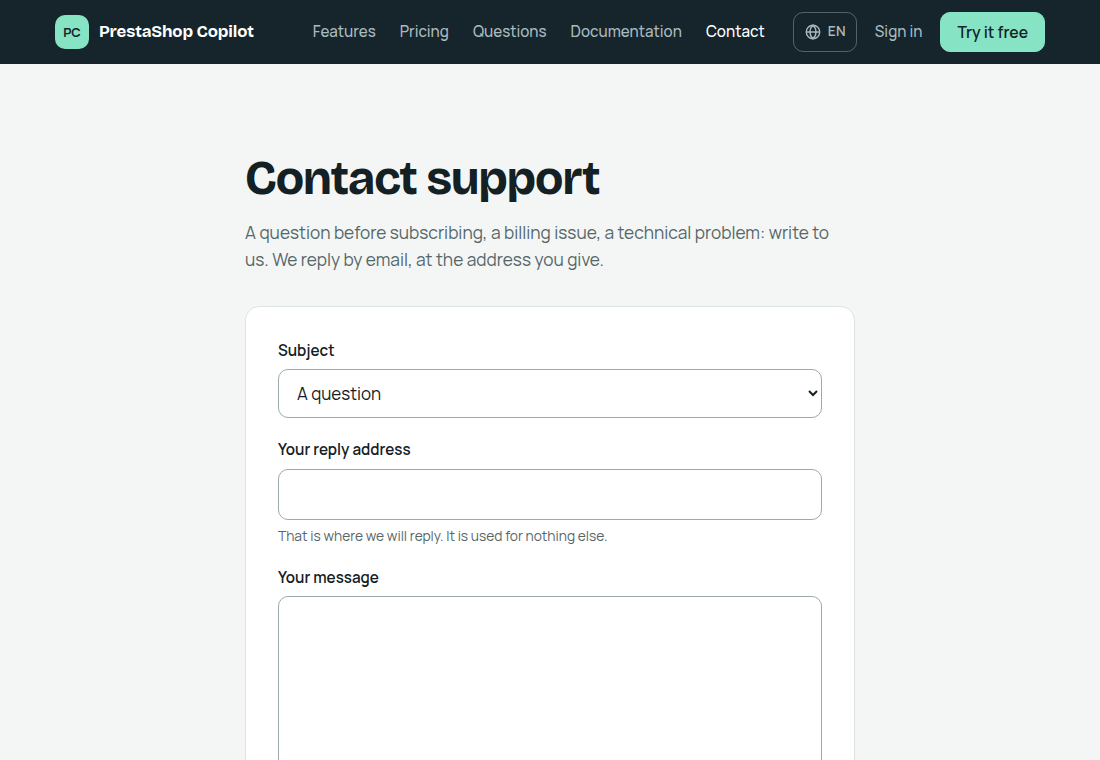
Without an account, or if you cannot sign in, the Contact page does the same: you receive the reply by email, with the request number (TCK-…) in the subject line. Keep it in the subject if you reply to that email.
Following your requests
In the account menu (web) or at the top of the screen (mobile), My requests lists your requests with their status:
- Open: we have received your message;
- In progress: we are working on it;
- Answered: a reply is waiting for you;
- Closed: the request is finished.
Open a request to reread the conversation. We reply by email, and the reply also appears here. You can reply at any time. Once your question is settled, the Close button closes the request (we send no email for that); writing again reopens it, and so does a reply from us.
Sending a conversation
When Copilot gets something wrong or something does not work, the easiest way is to show us the conversation:
- in Ask, click Send to support (the mail icon above the thread); in the mobile app, tap Send to support at the top of the screen;
- the form opens with the conversation attached: you see the number of messages and the period that will be sent;
- write what is wrong, tick the box confirming that you agree to send this content, then send.
You can remove the conversation before sending, or attach it afterwards to an existing request (“Attach the current conversation”).
Support reads this copy as text: nothing in it is ever run.
How long it is kept
We keep the full history of your requests, closed ones and attached conversations included, for as long as your account exists: nothing is erased before then. They are erased with your account: see Security and data and the privacy policy.